Investments
Keep your cards together.
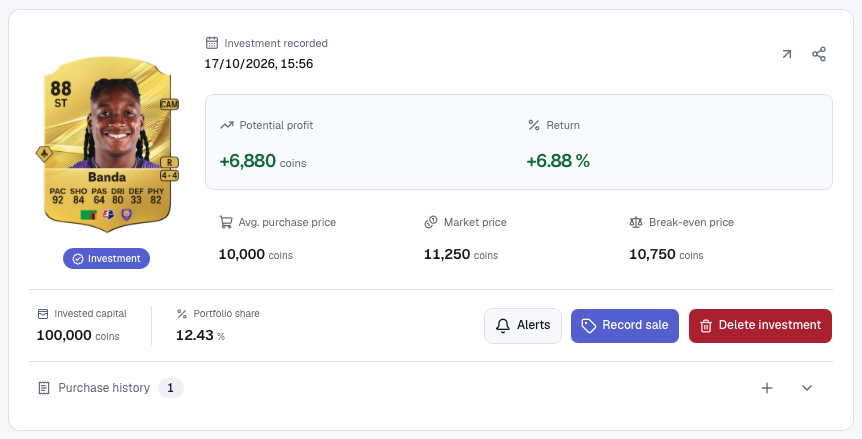
Record the card version, purchase price and quantity for each investment.

Track your Ultimate Team investments.
Keep a record of your cards and see your profit after EA tax.
Features
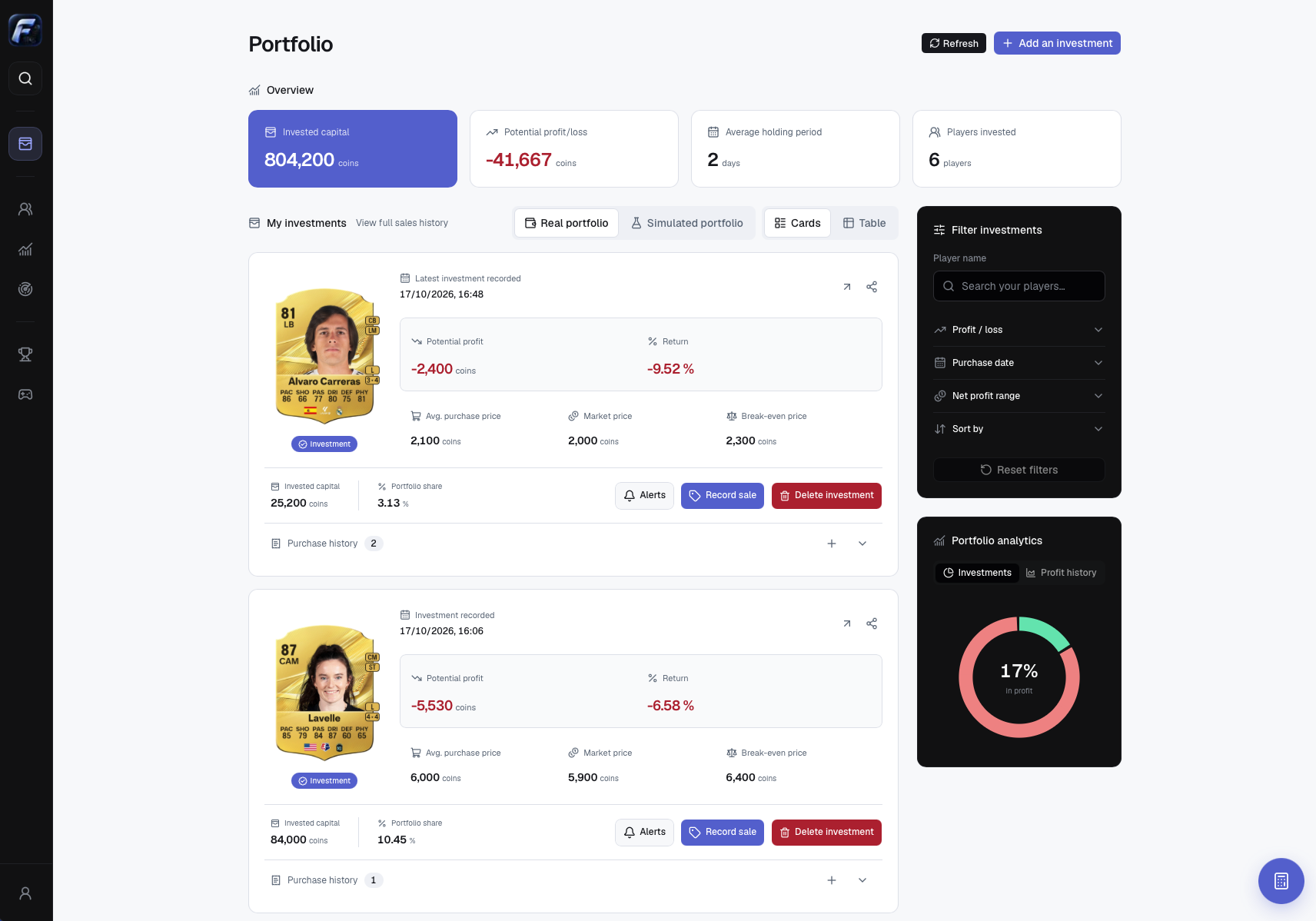
See your investments alongside the latest market prices.
Investments
Record the card version, purchase price and quantity for each investment.
Portfolio
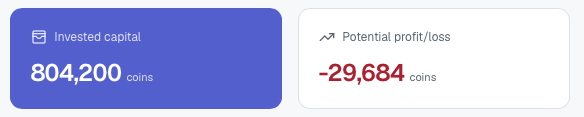
See how much you have invested and what your cards are worth at current market prices.
Live prices
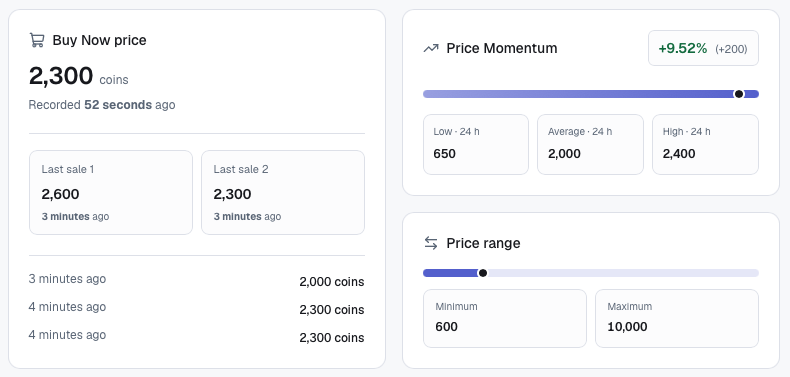
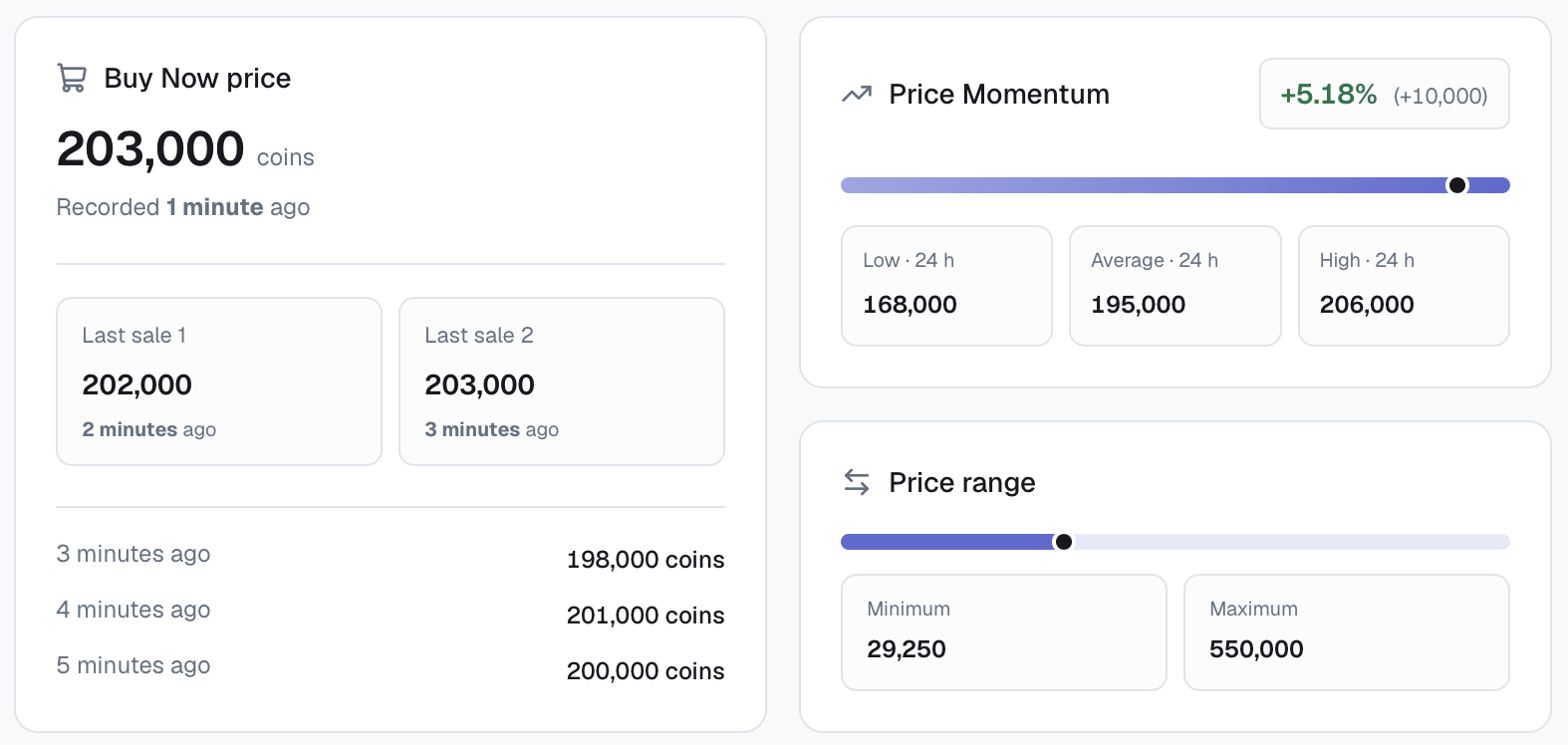
Check the latest Buy Now price, recent sales and price momentum before you buy or sell.
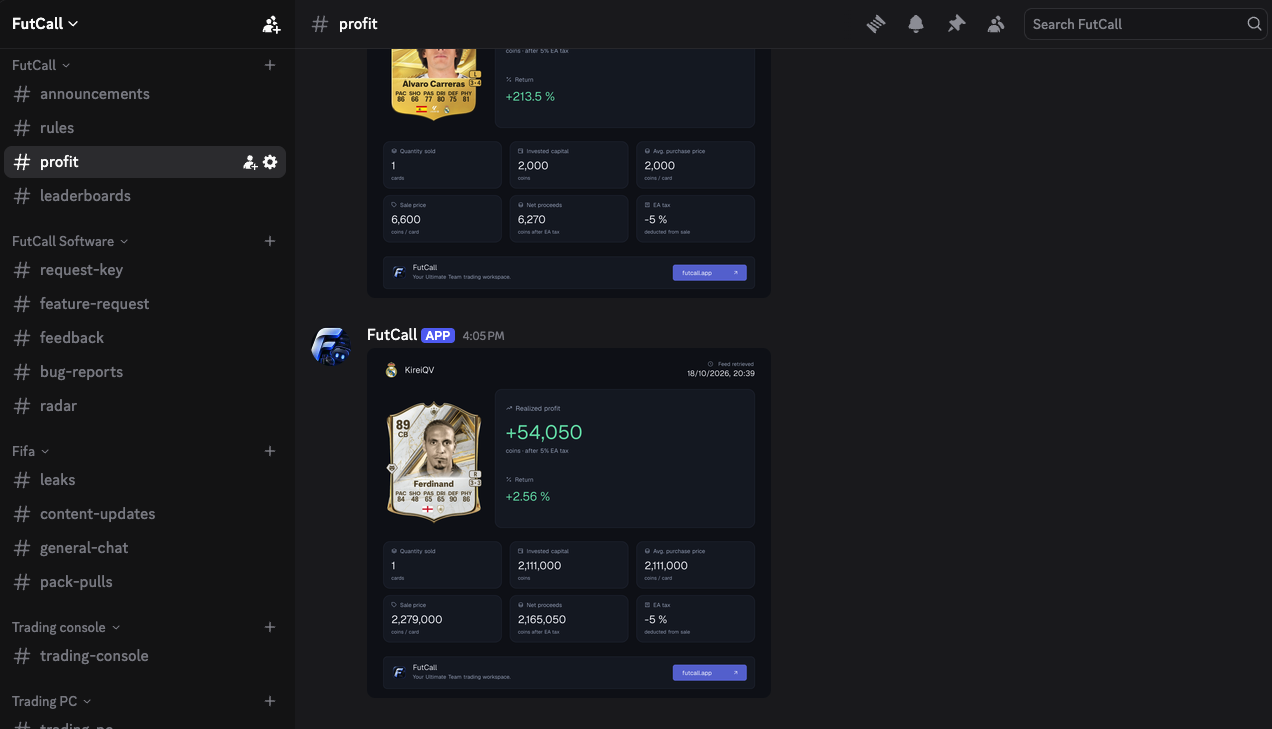
Get help with the app and discuss trading on Discord.
Search
Look up a player, compare card versions and check market prices in FutCall.
Get FutCallUse the left and right arrow keys to explore points, Home and End to jump to the first and last points, and Escape to close the tooltip.
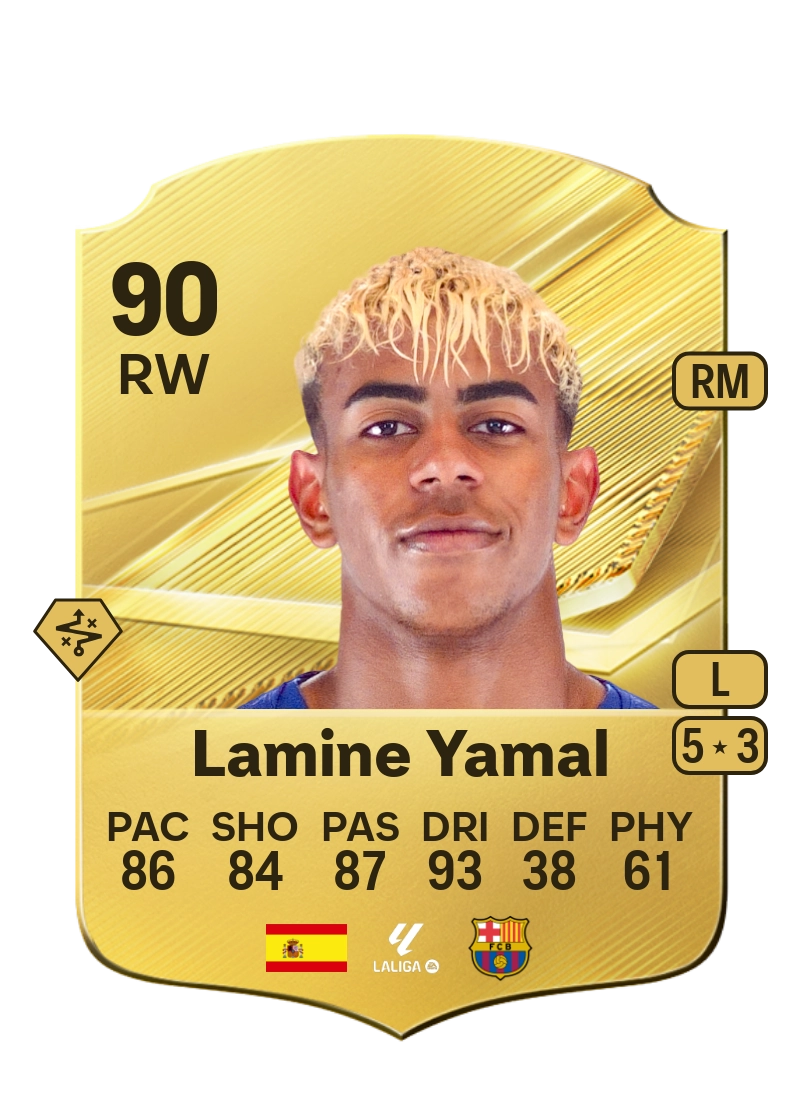
 FutCall in action
Set a target on an investment and receive a private message when it is reached.
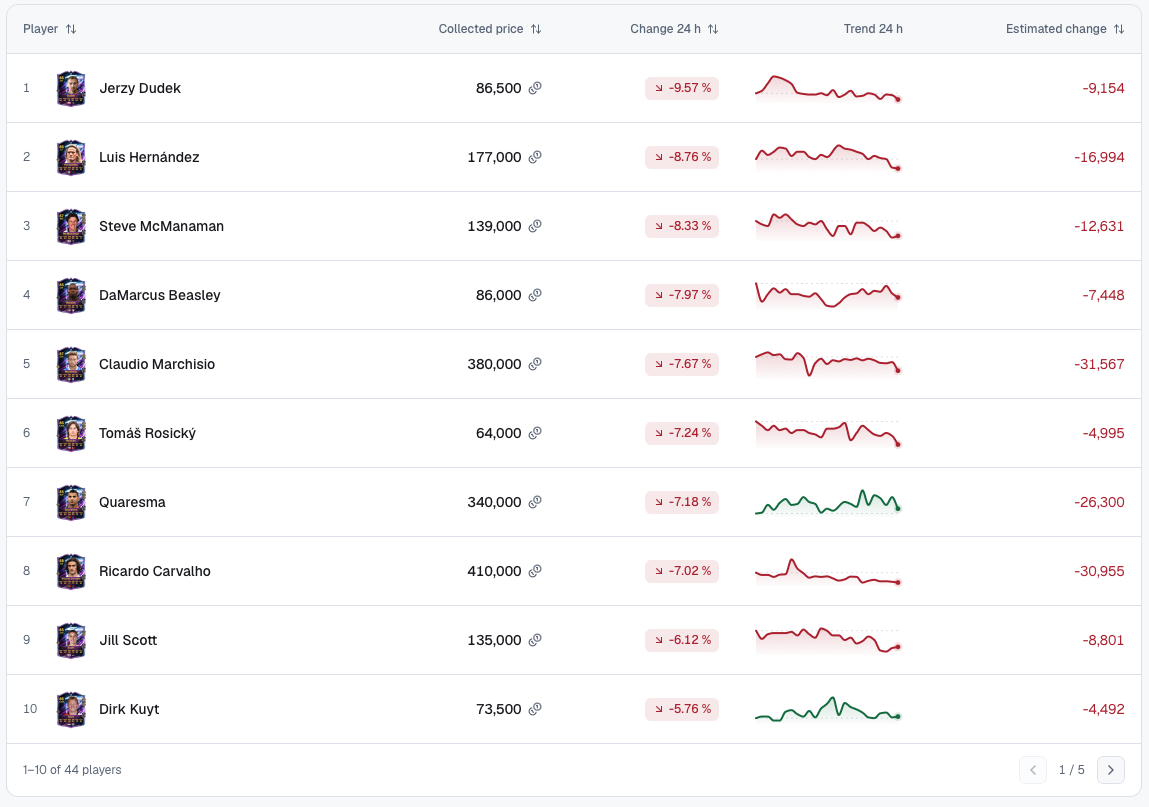
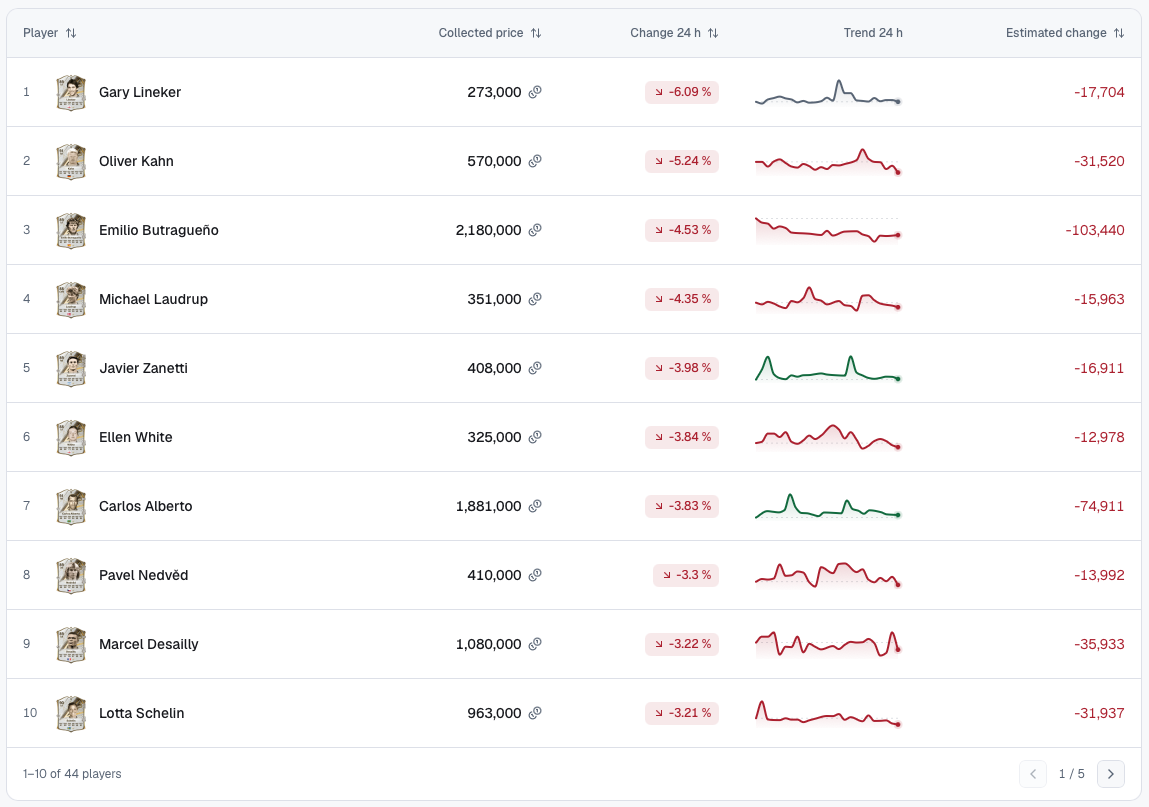
Market Movers
Compare player prices, 24-hour changes and price trends before your next trade.
FAQ
Information about installation, licences and Discord alerts.
FutCall is a desktop workspace for your Ultimate Team investments. Keep track of your player cards, purchase prices and quantities, follow your capital, and see your potential profit after EA tax.
You can get a free, personal licence through the FutCall Discord. Use /request-key in the request-key channel to receive your key by private message, then activate it in the app during setup.
Download FutCall for your computer, install it, and create your account in the app. Confirm your email, set up your profile and market, then activate your Discord licence to open your portfolio.
FutCall is available for Windows and macOS. On Mac, choose Apple Silicon for an M-series chip or Intel for an Intel processor. You can find yours in the Apple menu under About This Mac. The website introduces the app; your workspace runs in the desktop software.
FutCall supports Console and PC prices. Choose the market that matches your Ultimate Team account when setting up your profile. Some Market Movers rankings are Console-only; available markets are shown in the app.
Find the player in Search, choose the correct card version and add a purchase. Enter your price per card, quantity and purchase date. The investment then appears in your portfolio.
Yes. Add each purchase with its own price, quantity and date. FutCall keeps the purchase history for that card, so you can review individual lots alongside your remaining position.
Use the simulated portfolio to record and follow investment ideas separately from your real purchases. Simulated entries do not buy cards or spend your Ultimate Team coins.
Choose Record sale on an investment, then enter the quantity sold, sale price per card and sale date. FutCall updates your remaining position and records the result in your sales history.
Potential profit estimates the result of selling your remaining cards at the observed market price. Recorded profit uses the sale price you entered. Both account for your purchase cost and EA tax.
Yes. Potential profit, return and break-even calculations include the 5% EA tax. They use your purchase price and quantity, together with the sale or market price. Potential profit is an estimate until you make and record the sale.
Open Alerts on an investment, choose a price, profit or return target and save it. Link your Discord licence in the app so FutCall can send the private message to your account.
Yes. Once your Discord licence is linked and you have set an alert on an investment, FutCall checks prices every 15 minutes, even with the app closed. When your price, profit or return target is reached, you receive a private Discord message. Make sure you allow direct messages from the server.
FutCall uses public market price observations for your selected market. Check the collection time and availability shown in the app. These prices are market estimates, rather than guaranteed prices for an individual sale.
Join the FutCall Discord (opens in a new tab) for help with setup, licence activation or using the app. You can also report an issue or suggest a feature.
Testimonials
Illustrative testimonials for this preview.
Seeing the purchase price and current market value together makes it easier to decide when to sell.
I set a target once, then check the Discord message when the price reaches it.
The player search is useful when I need to compare several versions of the same card.
Separating real investments from ideas I am testing keeps my portfolio much clearer.
Capital, quantities and potential profit are easy to find without going through every purchase.
Seeing EA tax in the calculation helps me judge a trade before I sell.
Live prices next to my purchase history make each investment easier to follow.
Keeping my cards and targets in one workspace makes my trading routine easier to manage.